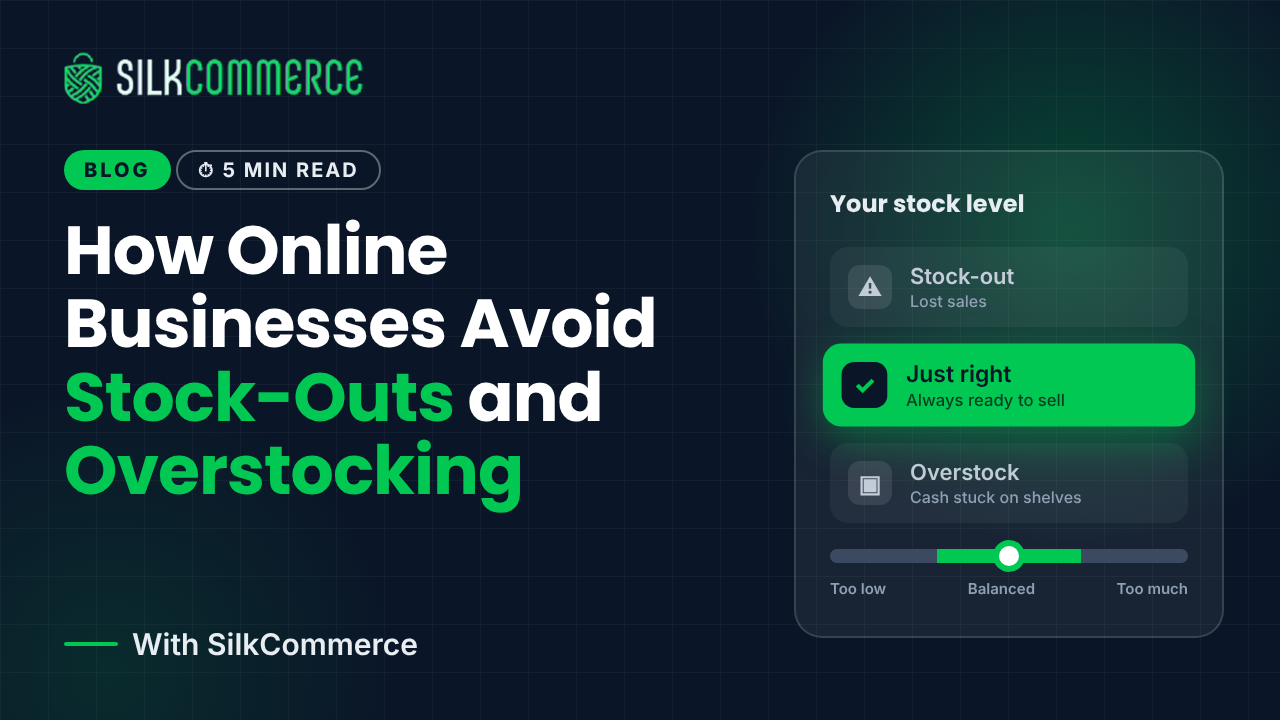
Meet Wanjiku. She sells clothes online. On Friday, her best-selling dress sold out. Customers kept messaging to ask for it, and she had to say "sorry, it's finished." Every one of those messages was a lost sale.
At the same time, 40 pieces of a style nobody wanted were sitting in her storeroom. Her money was stuck in stock that wasn't moving.
Wanjiku had two problems at once: too little of what customers wanted, and too much of what they didn't. Many online sellers in Kenya know this feeling.
These two problems have names.
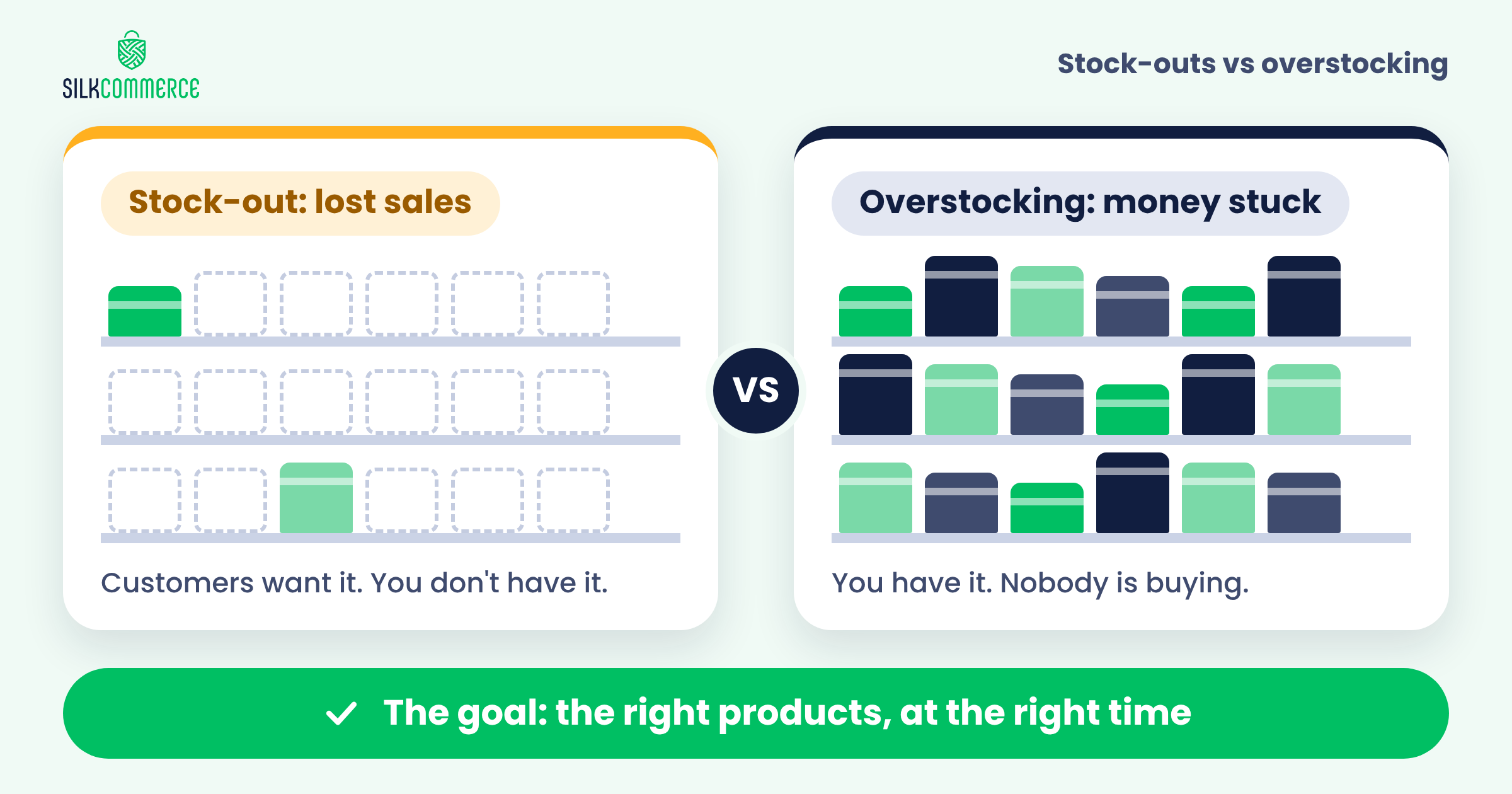
A stock-out happens when a product runs out while customers still want to buy it.
Overstocking happens when you hold more stock than you can sell. Both are solved by
inventory management, which means knowing what you have, how fast it sells, and when to reorder. Its goal is simple the right amount of the right products, at the right time.
In this blog, we will cover:
• Why stock-outs and overstocking cost your business money
• What causes each of them
• Five simple rules to avoid both
• How SilkCommerce helps you keep your stock in balance
• A weekly routine you can start this week
The problem: Two costly mistakes
Stock-outs and overstocking look like opposites, but they hurt your business in similar ways.
Stock-outs: lost sales and lost trust
When a product runs out, the customer doesn't wait. They buy from another seller. Worse, they may remember that your shop "never has stock" and stop coming back.
Overstocking: money stuck on the shelf
Every unsold item is money you can't use. It could have paid your supplier, your rent or your next order of products that sell. Stock that sits for months may also go out of style or get damaged.
Why guessing doesn't work
Many sellers decide how much to order by feeling: "This one looks popular, I'll buy more." Feelings are often wrong. Without numbers, you will sometimes order too little and sometimes too much.
What causes stock-outs and overstocking?
To fix a problem, you need to know where it comes from. Common causes of stock-outs
• You don't know your stock count until a customer asks for the item. • You reorder too late, after the shelf is already empty. • Demand jumps suddenly, for example after a TikTok video or a festive season. • Your supplier takes longer to deliver than you expected.
Common causes of overstocking
• You buy in bulk to get a lower price, without checking if it will sell. • You copy a trend that didn't work for your customers. • You order "just in case" because you fear running out. • You don't know which products are your slowest sellers.
Five simple rules to avoid both
Good news: you don't need to be an expert. These five habits are enough to keep your stock in balance.
1. Know your numbers
Check your stock count every day. If you don't know what you have, you can't plan what to order.
2. Set a reorder level for each product
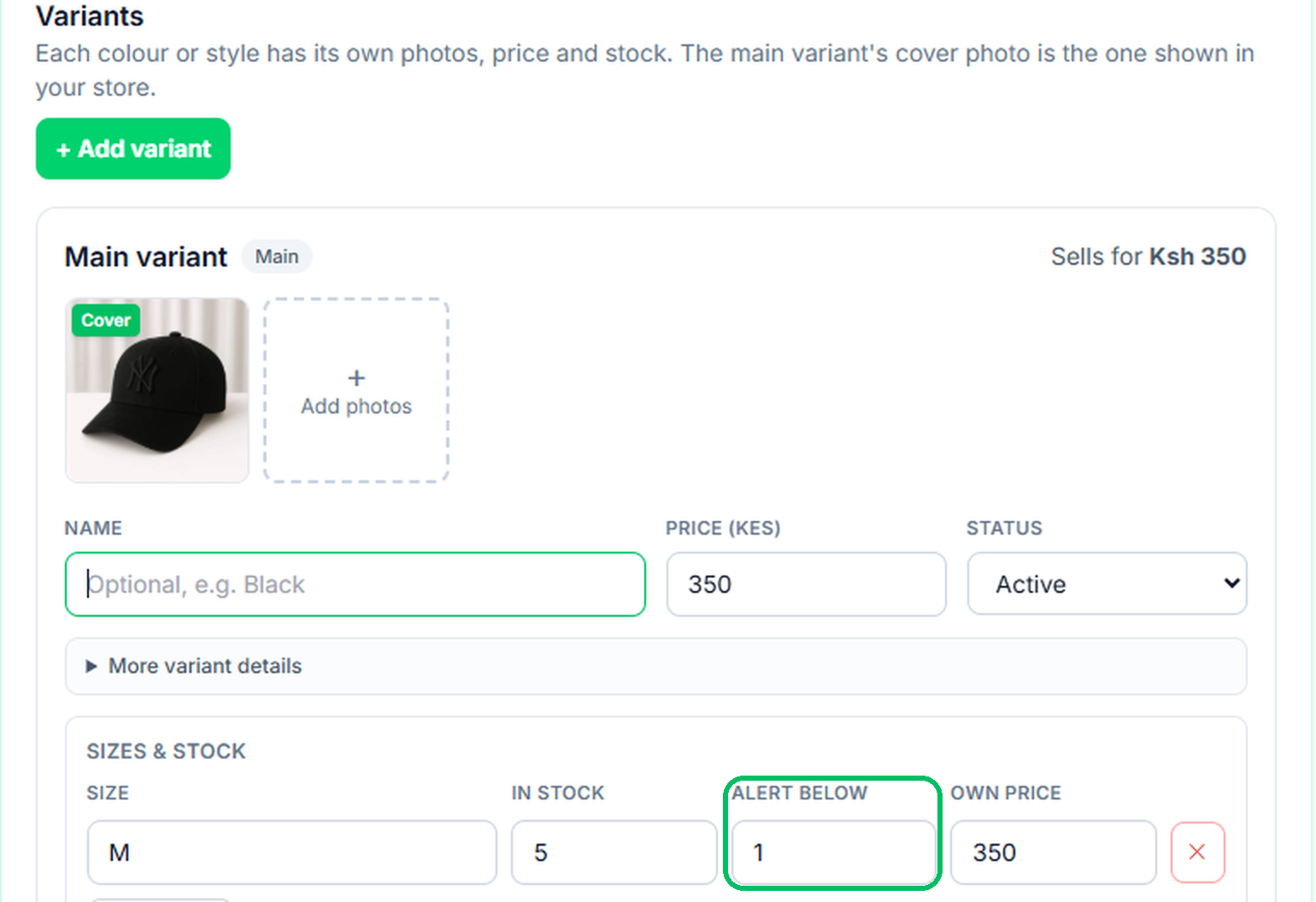
A reorder level is the stock number at which you order more. A simple way to set it: daily sales × days your supplier needs to deliver + a small extra amount. For example, if you sell 3 items a day and your supplier needs 4 days, order when you reach 12 items, plus a few extra to be safe. In SilkCommerce, you can set a stock alert so you are warned when a product reaches the level you choose.
3. Separate best sellers from slow movers
Once a week, look at which products sold most and which sold least. Reorder best sellers first. For slow movers, order less or run a small discount to clear them.
4. Order small and often
Smaller, regular orders keep your cash free and lower the risk of being stuck with stock. Bulk orders only make sense for products you know sell fast.
5. Plan for busy seasons
Back-to-school, festive season and big marketing campaigns bring extra demand. Look at last year's sales and order a little earlier and a little more for those periods.
The solution: how SilkCommerce helps
These rules work best when your numbers are always up to date. That is where SilkCommerce helps.
Stock that updates with every sale
When a customer orders and pays through your store, your stock count goes down automatically. You always know how much is left, without counting by hand.
Stock alerts before you run out
You decide when SilkCommerce warns you. Set the alert level for each product, for example at 1 item or 2 items, and you get a stock alert when the product reaches that number. This gives you time to reorder before the shelf is empty.
See what is selling
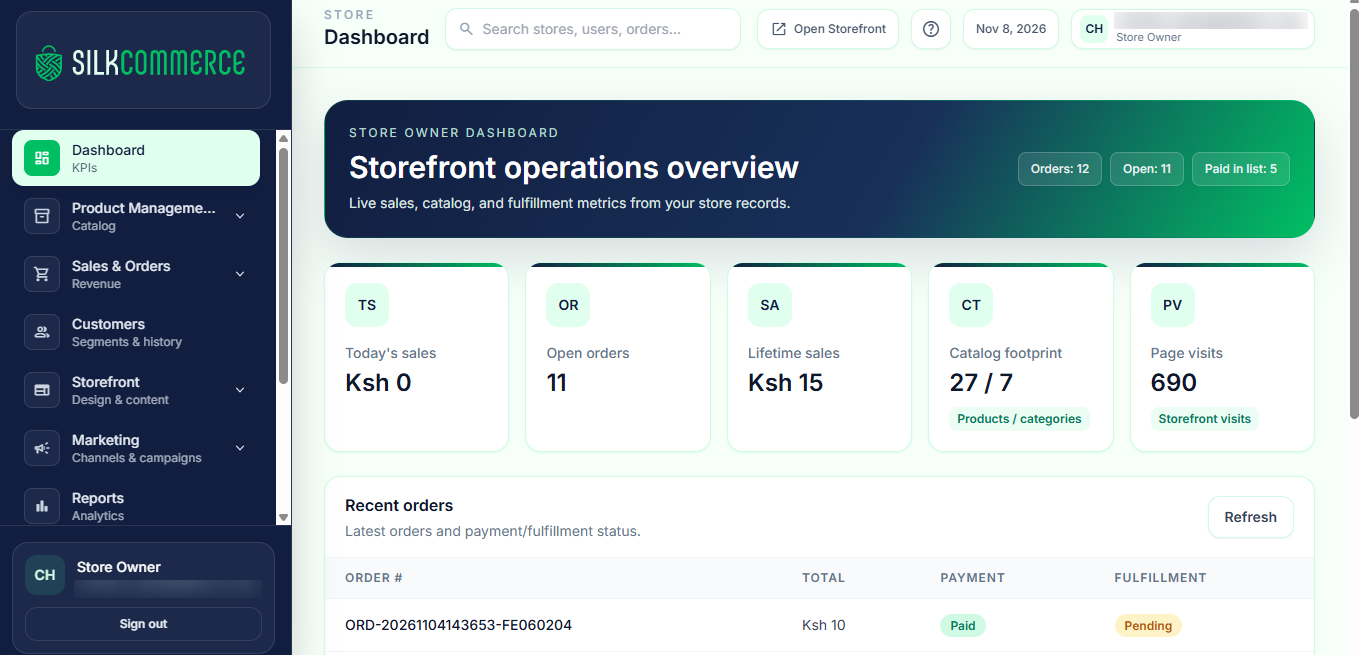
Your SilkCommerce dashboard shows your orders and sales, so you can see which products move fast. Use these numbers to decide what to reorder.
Spot your slow movers
Products that rarely appear in your orders are your slow movers. Seeing them clearly helps you order less of them, or plan a discount, before your money gets stuck.
Products, orders and payments in one place
Manage your products, prices and stock from one dashboard, and let customers pay with M-Pesa. Fewer notebooks and fewer surprises.
A simple weekly routine to try
1. Check your stock every day in your dashboard.
2. Set a reorder level and a stock alert for your top 5 products.
3. Review sales once a week to find your best sellers and slow movers.
4. Order small and often, starting with the products that sell fastest.
Ready to keep your stock in balance?
Stock-outs and overstocking are not bad luck. They come from not having the right numbers at the right time. With a few simple habits and the right tool, you can keep your shelves full of what sells and your cash free for growth.
Ready to start? Register at silkcommerce.business and set up your shop today.