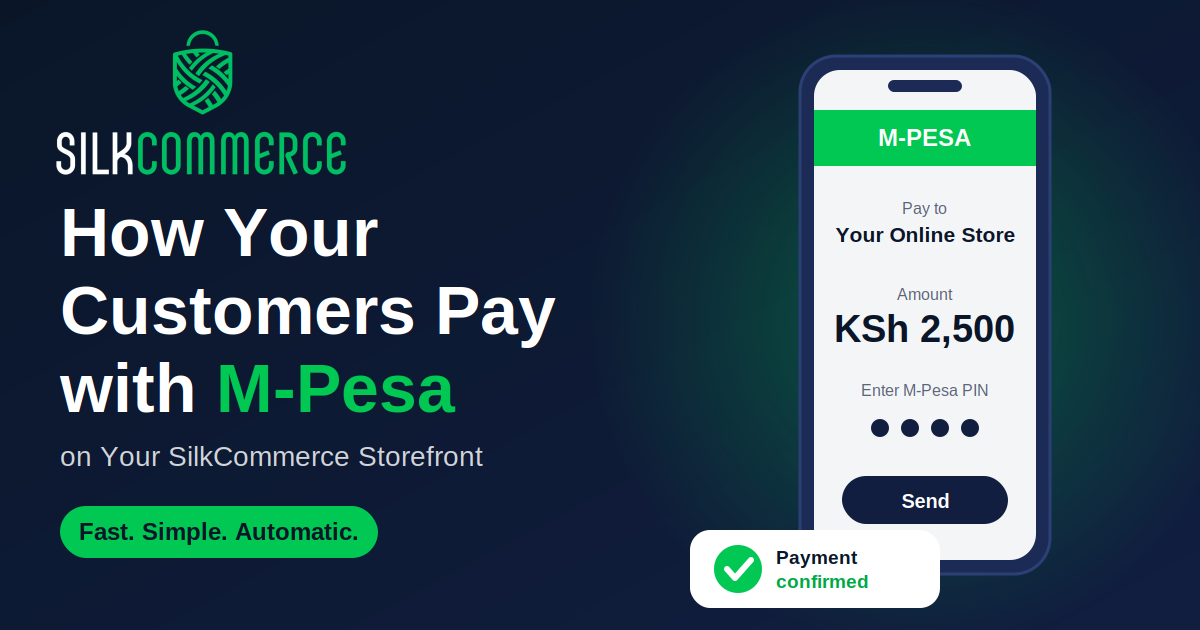
In Kenya, "Lipa na M-Pesa" is how business gets done. Your customers already trust M-Pesa, use it every day, and expect to pay with it. When they visit your online store, they want paying to be quick and easy, not confusing.
With SilkCommerce, M-Pesa is already built into your storefront. There is nothing for you to connect or set up. Your customers choose what they want, pay from their phone, and the payment is confirmed automatically.
Step 1: Customer's finds your store
They open your store link from Instagram, WhatsApp, or a search, and browse your products.
Step 2: They add products to their cart
They choose what they want, pick any options such as size or colour, and add the items to their cart. The cart shows the total clearly, so there are no surprises later.
Step 3: They go to checkout
At checkout, they enter their delivery details, such as name, phone number, and location. This information goes straight to you, so you know where to send the order.
Step 4: They enter their M-Pesa number
At checkout, the customer selects M-Pesa and enters the phone number they want to pay with. SilkCommerce then sends the payment prompt straight to that number. This works because the merchant's till or paybill number is already integrated into the store. If a merchant does not have a paybill number yet, we help them get one, or they can use the Wallet and Payout feature in SilkCommerce to receive their payments.
Step 5: They approve the payment on their phone
A payment prompt appears on the customer's phone showing the amount. They enter their M-Pesa PIN to approve it. They do not need to remember a till number or type any amounts.
Step 6: They get instant confirmation
Once the payment goes through, the customer sees an order confirmation straight away. They know their order is placed and paid for, with no need to message you to confirm.
What You See on Your Side
The moment your customer pays, SilkCommerce updates your store for you: 1. The order appears in your dashboard marked as paid. 2. Your stock levels update automatically. 3. You can see the customer's delivery details and get the order ready. No screenshots, no scrolling through messages, and no chasing customers to confirm payment.
Give Your Customers a Payment Experience They Will Love
When paying is easy, customers buy more and come back. With M-Pesa built into your SilkCommerce storefront, you give them a fast, familiar, and trusted way to pay. Ready to give your customers this kind of payment experience? Create your SilkCommerce store today and start getting paid the easy way.:https://silkcommerce.business/